What is the Guake Terminal?
Guake is a drop-down terminal originally designed for the GNOME desktop environment. You can bring it up with a single keystroke and hide it just as easily. Because the program stays loaded in memory, it is noticeably faster than launching a standard terminal via a keyboard shortcut. This makes it incredibly useful if you constantly open and close terminals for quick tasks.
Compatibility and Customization
You can set Guake to launch at startup so it’s ready the moment you log in. While built for GNOME, it works perfectly on other desktop environments like Openbox, XFCE, LXDE, and KDE. Pre-built packages are also available for most major Linux distributions.
I’ve personally used it on Fedora, Arch Linux, and CrunchBang. I like the way it works. It simply makes things easier and helps me stay focused on my actual work.
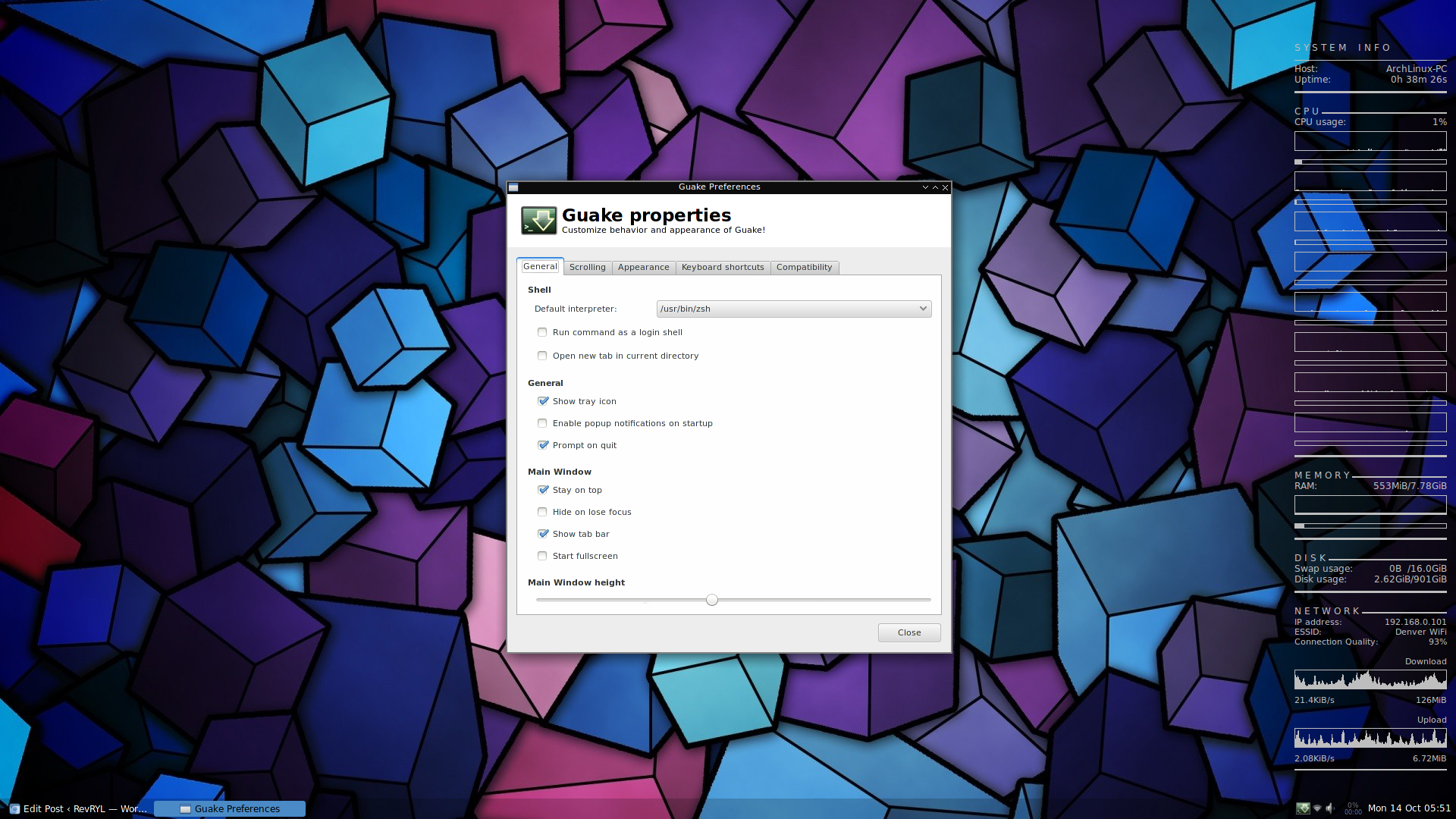
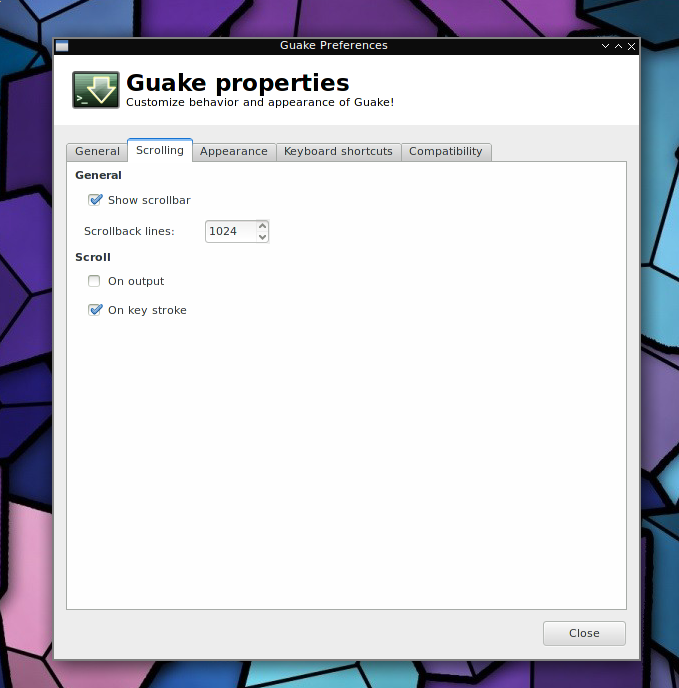
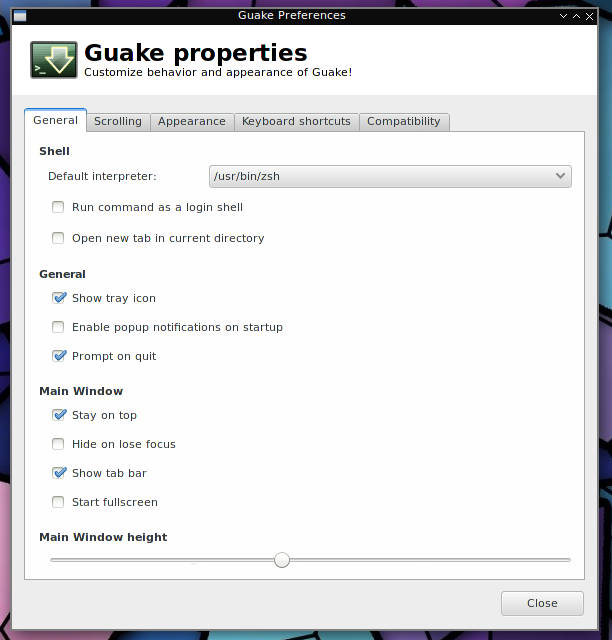
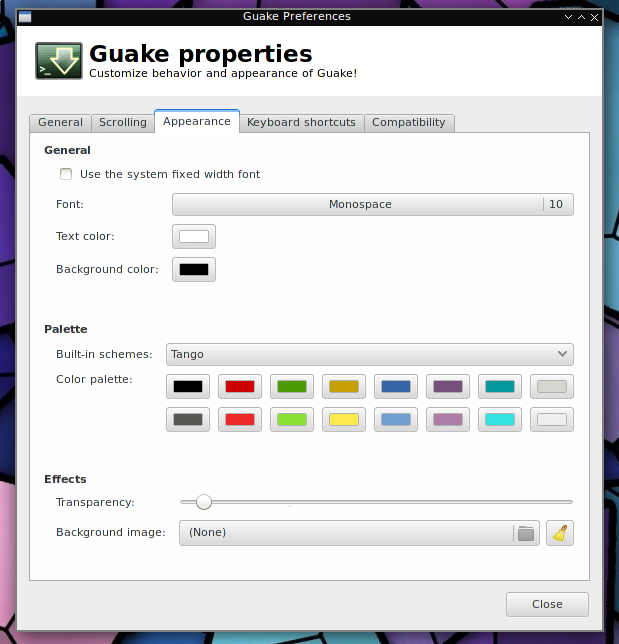
Guake also offers plenty of customization. You can easily adjust your default shell, tweak the terminal window height, change the background opacity, and modify several other settings to fit your workflow.
How to Install Guake on Linux
Install Guake using your distribution's package manager:
Debian / Ubuntu / Linux Mint
sudo apt install guake
Fedora
sudo dnf install guake
Arch Linux
sudo pacman -S guake
Gentoo / Sabayon
sudo emerge guake
Getting Started with Guake
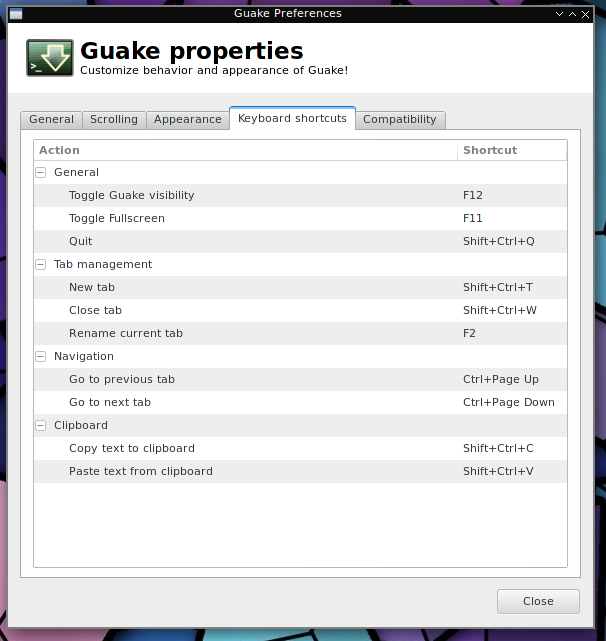
Once installed, launch Guake from your application menu. For the best experience, add it to your startup settings so it runs automatically in the background when your desktop environment loads. By default, just press F12 to drop the terminal down from the top of your screen. Press F12 again to hide it.
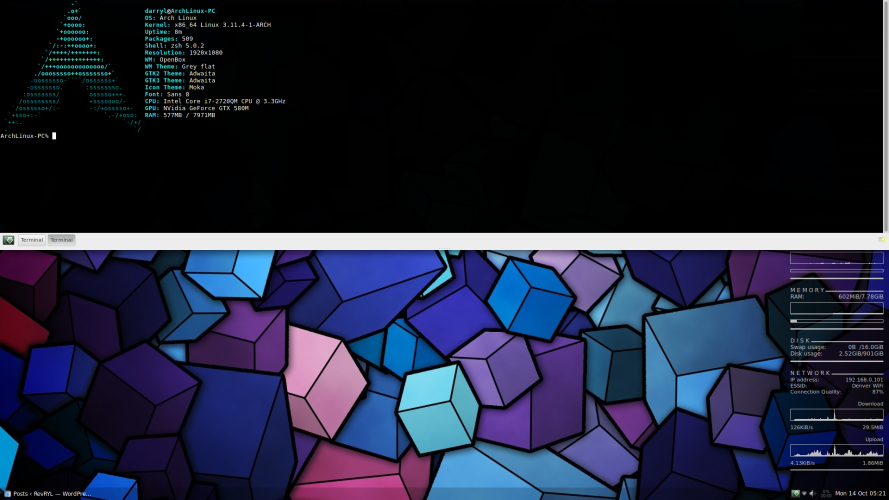
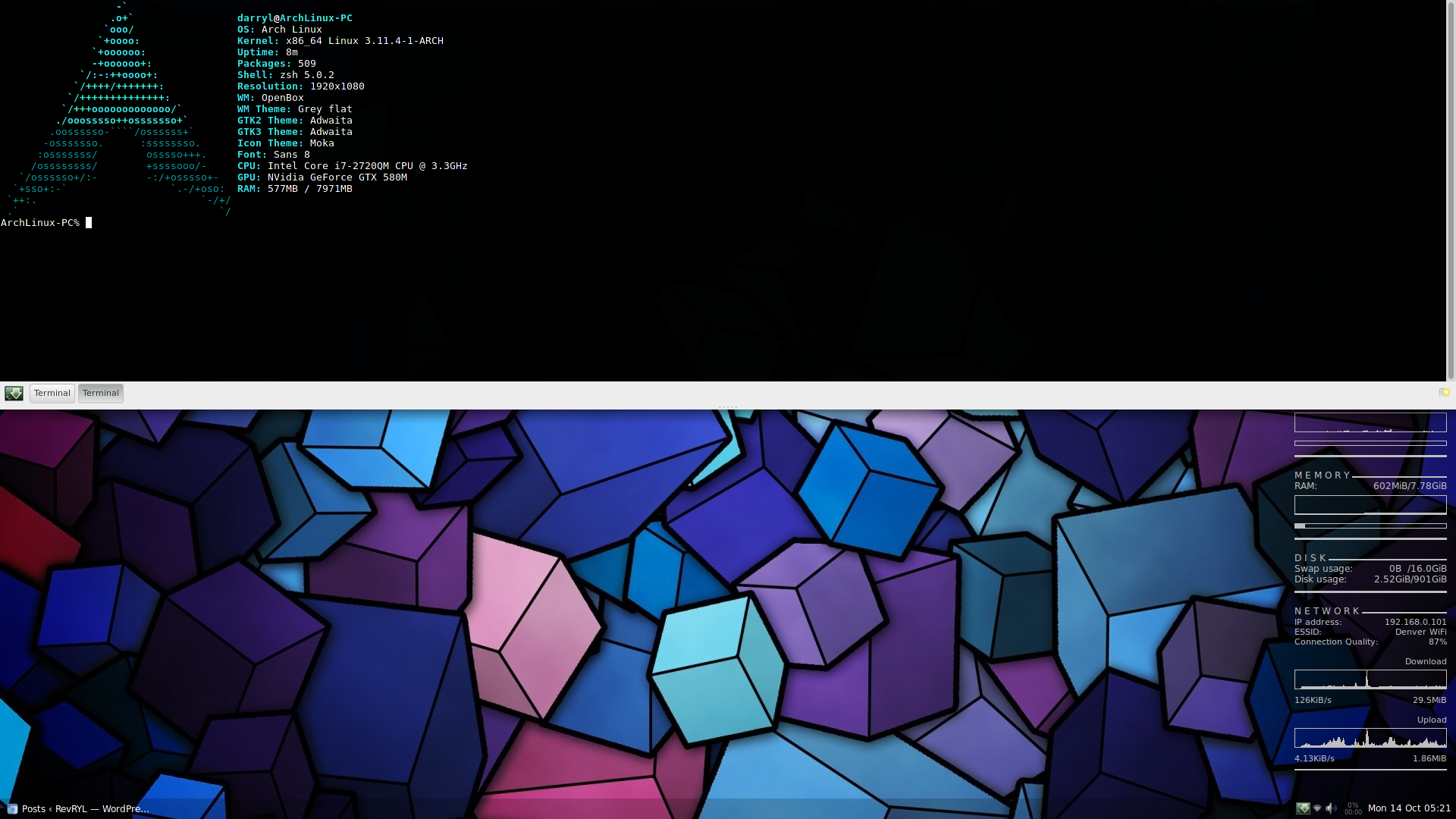
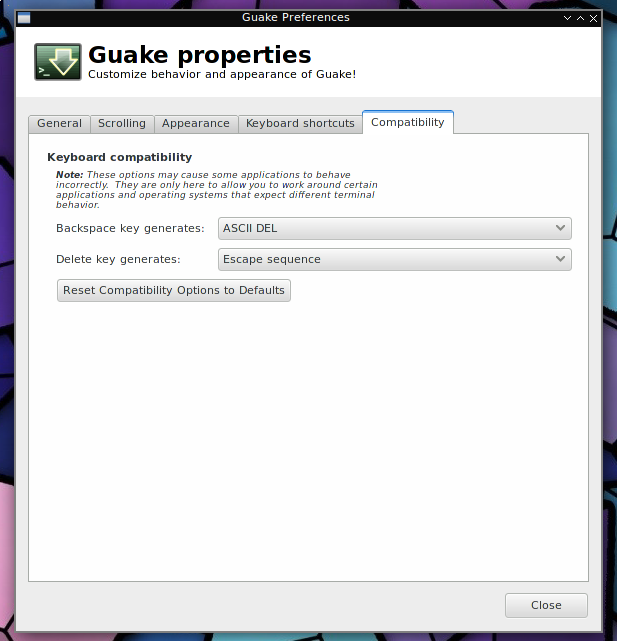
Below are screenshots of Guake on Arch Linux (Openbox)
 ]
]
 ]
]
 ]
]
 ]
]
That's it folks.